Plain-English explainers
Tangem wallet security is seedless cold storage with card-based backups
In short: Seedless hardware-wallet protection model for offline crypto storage, using NFC backup cards to sign transactions with a tap.
Tangem wallet security is a self-custody model built around tamper-resistant cards that create and store private keys offline, then use a phone's NFC connection to sign transactions. The distinctive feature is the backup system: instead of writing a recovery phrase on paper during normal setup, a user links two or three Tangem cards to the same wallet so each card acts as a physical key for the same crypto accounts.
This approach matters because many wallet failures start outside the blockchain. People photograph seed phrases, type them into fake support forms, lose paper backups, or keep one recovery sheet in a predictable place. Tangem shifts that risk toward physical card custody, passcode control, and transaction review inside the mobile app. It is still self-custody, so the owner remains responsible for access, but the daily workflow removes the most commonly mishandled secret from view.
The seedless setup is the security feature, not a shortcut
Tangem wallet security starts when the wallet is activated. The card generates the private key inside its secure chip and keeps that key inside the card. During setup, backup cards receive protected access to the same wallet, giving the owner multiple physical keys before funds arrive. A seed phrase remains available as an advanced option on supported setups, yet the core experience is designed around cards rather than a handwritten 12-word or 24-word phrase.
The advantage is behavioral as much as technical. A recovery phrase is powerful because it restores funds anywhere, but that same portability makes it easy to leak. A card-based backup has to be physically present and unlocked with the user's access code. This design gives Tangem its cleanest security argument: fewer secrets appear on screens, papers, cloud drives, and keyboards.
How NFC signing keeps the private key offline
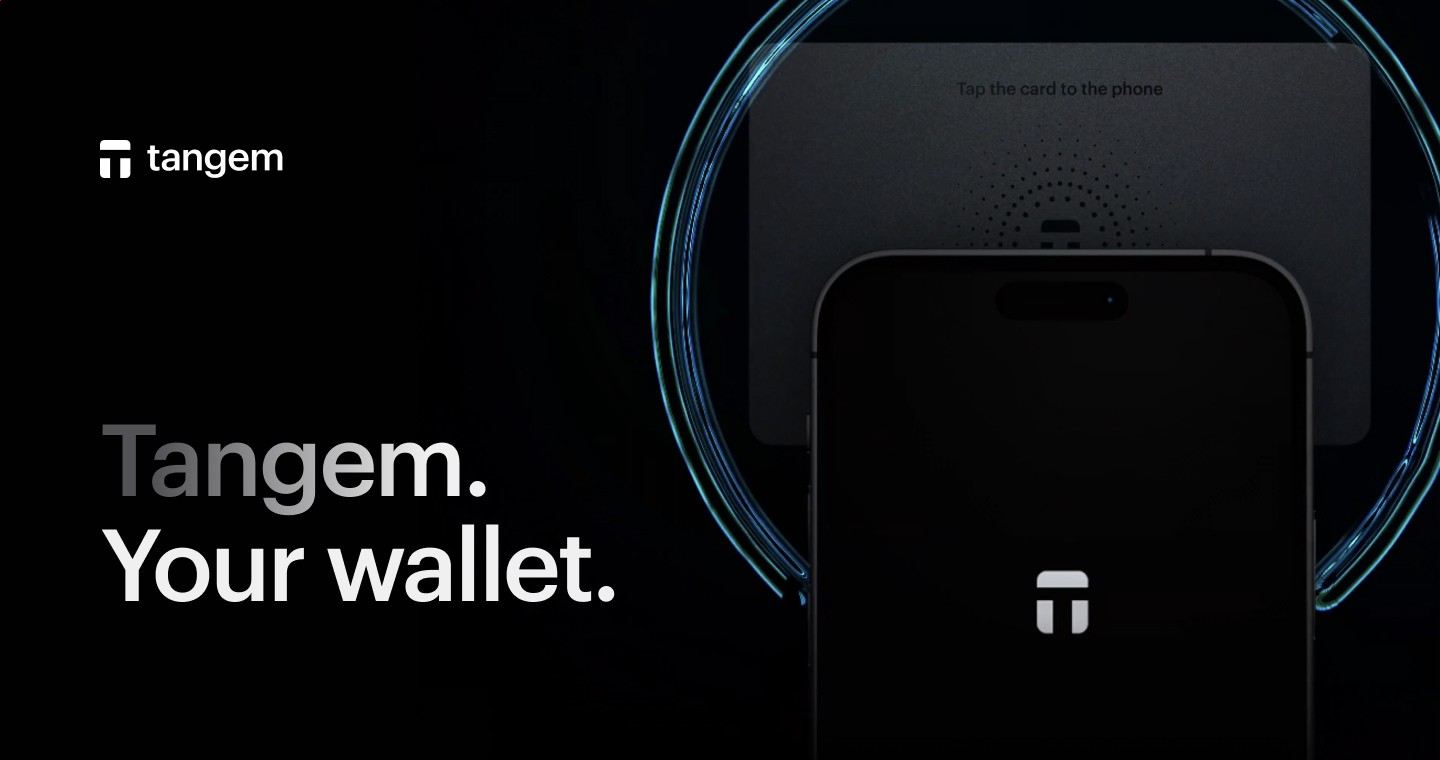
The phone handles the interface, network connection, portfolio view, and transaction construction. The card handles the sensitive signing step. When the app prepares a Bitcoin, Ethereum, stablecoin, NFT, or token transfer, the user reviews the details and taps the card to the phone. NFC powers the card for that moment, the card signs internally, and the signed transaction goes back to the app for broadcast.
No battery, cable, or charging routine is involved. The card stays inert until the phone's NFC field powers it, which fits the physical form factor: a thin card carried in a wallet, stored at home, or kept separately as a backup. Tangem wallet security therefore depends on a simple separation of roles: the phone is convenient and connected, while the card protects the private key.
Three cards give recovery without exposing words
A common Tangem package uses multiple cards tied to one wallet during activation. If one card is damaged or misplaced, another backup card unlocks the same accounts. That setup is different from owning three separate wallets; the cards serve as redundant keys to one wallet identity.
Good storage discipline still matters. Keep backup cards in separate trusted places rather than stacking every card in the same drawer. Anyone planning long-term storage should also remember the access code, because the card and the code work together. Tangem wallet security is strongest when the owner treats each backup card like a house key for digital assets: easy enough to retrieve, hard for other people to reach.
What the mobile app adds to the card model
The Tangem app is the control surface for balances, receiving addresses, network selection, swaps, purchases, sends, and WalletConnect sessions. It gives the card a readable interface without turning the phone into the key holder. That distinction is central: the app can show an address, assemble a transaction, or connect to DeFi, while the card remains the signing authority.
Before tapping, the user should read the recipient address, asset, network, and amount on the phone. This review step is especially important on Ethereum, Polygon, BNB Smart Chain, and other smart contract networks where approvals and contract calls carry different consequences from a plain transfer. The tap is fast, but the decision before the tap deserves attention.
Everyday uses for a card-based cold wallet
In practice, Tangem wallet security fits several practical custody patterns. It works for people who want to hold Bitcoin away from an exchange, users who keep Ethereum and ERC-20 tokens in self-custody, and mobile-first holders who prefer a hardware wallet that does not feel like a USB device. It also suits travel and daily spending setups because the signing card is compact and powered by the phone.
- Store long-term Bitcoin, Ethereum, and supported tokens outside exchange accounts.
- Receive crypto to addresses controlled by the card's private key.
- Approve sends after reviewing transaction details in the app.
- Use backup cards for recovery if the primary card is lost.
- Connect through WalletConnect when interacting with supported DeFi apps.
The same wallet also handles buying, selling, swapping, and earning features through app integrations. Those services add convenience, but the security story still centers on private key storage and physical signing.

Where the biggest risks still live
The most serious risks sit around physical access, access-code handling, address verification, and smart contract approvals. A hardware card protects the private key, but it does not judge whether a recipient address is correct or whether a dApp request is economically sensible. A user who signs the wrong transaction authorizes the blockchain to carry it out.
Because of that, Tangem wallet security should be paired with cautious transaction habits. Send a small test amount before moving a large balance to a new address. Store cards in separate places. Treat unexpected approval prompts, fake airdrop claims, and urgent support messages as attack surfaces. These habits are not extra decoration; they are the human side of self-custody.
Ledger, Trezor, and Tangem take different routes
Ledger devices use a screen-and-buttons hardware format with USB or Bluetooth on some models, while Trezor devices emphasize open-source firmware and a traditional recovery phrase workflow. Tangem chooses a card and phone NFC workflow with seedless backups as the default experience. The best fit depends on which tradeoff feels most manageable: device display review, open firmware culture, or card-based convenience.
That comparison is especially relevant for users moving funds off Coinbase, Binance, Kraken, or another exchange for the first time. Tangem wallet security reduces the awkward parts of hardware-wallet setup, while Ledger and Trezor give users a more familiar recovery-phrase structure. None of these products removes the need to understand addresses, networks, and irreversible blockchain settlement.

Setting it up before sending crypto
Setup should be finished before any meaningful funds arrive. Install the Tangem app, activate the first card, add the backup cards during the same onboarding flow, and set the access code. Then receive a small amount of crypto, confirm it appears under the right asset and network, and make a small outgoing transaction so the signing workflow is familiar.
Once that first round trip is complete, the wallet is ready for larger use. Tangem wallet security rewards preparation: a tested backup set, known storage locations, and a practiced tap-to-sign flow make future recovery less stressful. The technology is simple on purpose, but the owner's setup choices decide how resilient the wallet feels years later.
Tangem wallet security FAQ
- Can someone steal crypto with only my Tangem card?
- A card alone is not enough when the wallet is protected by its access code. The card must be physically present for signing, and the app requires the correct unlock process before transactions are approved. The realistic risk rises when someone gets both a card and the access code, so backup cards and codes should be stored with the same care as valuable personal documents.
- Which phones work best with Tangem NFC signing?
- Tangem works with NFC-capable iPhone and Android phones that can run the Tangem app. The phone provides power to the card during the tap and gives the user the transaction interface. Cases, metal plates, and weak NFC positioning sometimes interfere with scanning, so a direct tap near the phone's NFC antenna gives the most reliable signing experience.
- Do I need a separate Tangem card for Bitcoin and Ethereum?
- A single Tangem wallet can manage multiple supported assets, including Bitcoin, Ethereum, and many tokens, through the app. The same card set controls the wallet keys used for those accounts. The important distinction is network selection: sending ETH, ERC-20 tokens, Bitcoin, or other assets requires choosing the correct chain and address format before signing.
- Are Tangem swaps as secure as simple transfers?
- The card signing step protects the private key in both cases, but swaps add service and smart contract risk beyond a simple transfer. The app may route through third-party exchange or swap infrastructure, and smart contract approvals can grant token permissions. Review the asset, network, amount, rate, and approval request before tapping the card.