Plain-English explainers
Tangem wallet is a self-custody NFC card wallet for tap-to-sign crypto
In short: Non-custodial hardware crypto wallet for storing private keys offline, using NFC cards for tap-to-sign crypto transfers.
Tangem wallet is a hardware wallet built around bank-card-style NFC cards that store private keys inside the card and sign transactions after a phone tap. The app handles balances, receiving addresses, swaps, purchases, staking access, and transaction preparation, while the card performs the critical signing step. It is designed for people who want cold storage without cables, batteries, browser extensions, or a recovery phrase as the default backup method.
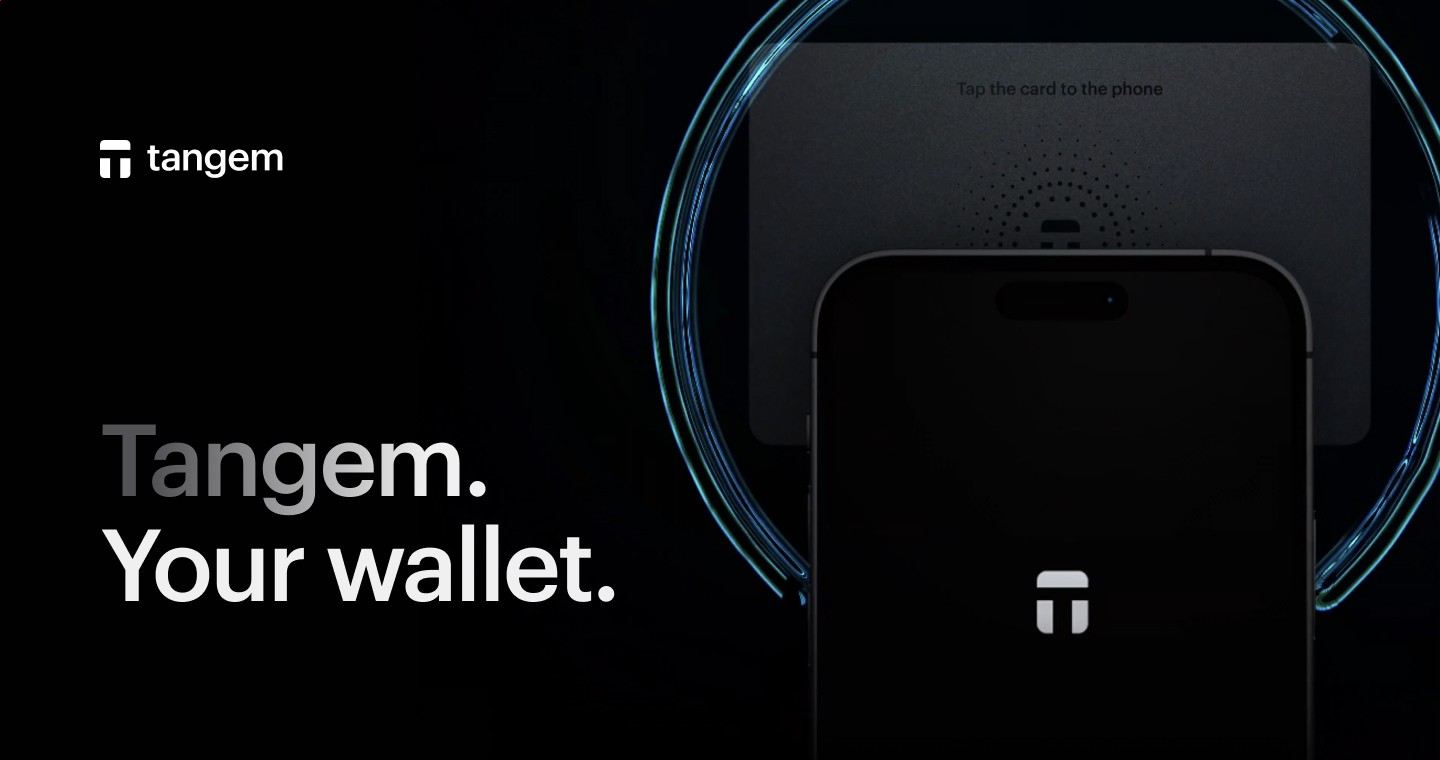
The distinctive idea is physical simplicity. A user opens the mobile app, prepares an action, reviews the details, and taps a Tangem card to the phone. The card responds through near-field communication, signs the transaction, and the app broadcasts it to the relevant blockchain network. That division matters: the phone gives the interface, while the card keeps the signing key inside dedicated hardware.
NFC cards make the signing step the center of the wallet
Most hardware wallets look like small USB devices with screens, buttons, cables, or Bluetooth. Tangem takes a different route: the signing device is a card. It draws power from the phone's NFC field when tapped, so there is nothing to charge and no cable to connect. This makes the everyday motion closer to tapping a payment card than plugging in a separate crypto device.
That shape also changes how people think about storage. The card is the key holder, not a miniature portfolio screen. Your Bitcoin, Ethereum, stablecoins, and tokens remain recorded on their blockchains. The card controls whether a transaction can be signed from the address it protects. Receiving funds requires only the public address; spending requires the card tap.
What the mobile app does before a card signs
The Tangem app is the control surface. It shows assets, account addresses, market values, network choices, swap routes, and outgoing transaction details. When someone sends crypto to a receiving address shown in the app, the blockchain records the transfer whether the card is nearby or locked away. The app refreshes balances by reading public network data tied to the address.
For outgoing transfers, Tangem wallet uses the app to build the transaction and the card to authorize it. The phone never needs to become the place where the private key lives. This is the core reason the product fits the cold-wallet category while still feeling like a mobile-first tool.
Backup cards replace the default seed phrase ritual
A standard hardware-wallet setup asks the user to write down a 12- or 24-word recovery phrase and protect it for years. Tangem's default flow uses multiple cards as backups, commonly sold as a set of two or three physical keys. During setup, the wallet is created across the cards so a backup card remains available if the daily card is lost or damaged.
This seedless design addresses a common failure point: people photograph seed words, type them into cloud notes, misread handwriting, or expose them during a fake support scam. Tangem wallet still gives advanced users the option to create a seed phrase, but the default experience favors sealed physical backups instead of a written secret.
Supported assets and everyday crypto tasks
The product is built for multi-asset storage rather than a single-chain niche. Users manage Bitcoin, Ethereum, major stablecoins, and thousands of supported tokens from the same app. Network support is especially important for assets that exist on multiple chains, because sending USDT, USDC, ETH, or other tokens on the wrong network creates expensive mistakes.
Common tasks include receiving from an exchange, sending to another wallet, swapping between assets, buying crypto through integrated providers, and tracking portfolio balances. Some users also use the app for earning features where supported by available integrations. Tangem wallet remains a signing device and app combination; the blockchain, token contract, and external service decide settlement timing, fees, and availability.
- Receive by copying an address or showing a QR code.
- Send by entering the destination, choosing the network, and tapping a card.
- Swap through the app's integrated routes when liquidity is available.
- Track balances across supported chains from the mobile interface.
- Use backup cards to retain access without exposing a recovery phrase.
Setting up the cards without turning it into a security project
Initial activation centers on the phone and the card set. The app guides the user through creating the wallet, adding backup cards, and setting access protection. The most important moment is confirming that all backup cards are included before funding the wallet with meaningful value. Once addresses are created, sending a small test transfer first gives a clean proof that the chosen network and address work as expected.
After setup, routine use is short. Open the asset, choose receive or send, review the address and fee, then tap the card when a signature is required. Tangem wallet fits users who prefer fewer moving parts, especially people who find USB hardware wallets or browser-extension flows distracting.

Where network fees enter the experience
The card does not set blockchain fees. Bitcoin miner fees, Ethereum gas, Solana fees, Tron bandwidth mechanics, and other network costs come from the chain used for the transaction. The app displays the relevant cost before signing, and the user decides whether to proceed. A swap adds another layer because exchange providers and liquidity routes introduce spread, provider fees, or minimum trade sizes.
This distinction prevents confusion when moving funds from Coinbase, Kraken, Binance, or another exchange. The exchange charges its withdrawal fee, the destination network confirms the transaction, and the card signs only when funds later leave the Tangem-protected address. Receiving crypto into a cold wallet does not require a card tap.
Security strengths that come from the card model
The strongest part of the design is that the private key is created and held in the card's secure environment. A compromised phone still faces the physical signing requirement because the transaction must be approved with the card. The app can display, prepare, and broadcast, but the card is the component that proves control of the address.
Good handling still matters. A fake address copied from malware, a phishing app, or a mistaken network choice can move assets to the wrong place after a real signature. The specific habit worth keeping is simple: compare the destination address, asset, chain, and amount before tapping the card, especially for first-time transfers or large withdrawals.

Tangem card wallet versus screen-based hardware wallets
Ledger and Trezor devices give users a small hardware screen and physical buttons for reviewing actions. Tangem wallet trades that device interface for a card-and-phone workflow. The phone screen becomes the place to inspect transaction details, while the card supplies the signature through NFC. That choice favors portability and fast onboarding over a built-in display.
People who want desktop-first management, open-source firmware emphasis, or device-screen verification often compare it with Trezor Safe 3, Ledger Nano X, or Ledger Stax. People who want a pocketable card set, no battery maintenance, and seedless backup as the default gravitate toward Tangem wallet. The better choice depends on the review surface a user trusts and the recovery method they will protect correctly.
Best-fit use cases for card-based cold storage
The card format works well for long-term storage, exchange withdrawals, travel-friendly access, and households that want a backup card stored separately. It also fits a mobile-heavy routine where the user manages crypto from iOS or Android instead of a desktop. The 25-year limited hardware warranty cited by Tangem reinforces the product's long-life positioning, though sensible users still keep backups separated from the daily card.
Tangem wallet is especially practical for users who understand that assets live on-chain and the wallet protects keys. Once that distinction is clear, receiving no longer feels mysterious: an address can receive funds at any time, and the card becomes necessary only when spending, swapping, changing wallet settings, or otherwise authorizing an action that requires a signature.
Quick answers about Tangem wallet
Can I receive Bitcoin without tapping a Tangem card?
Yes. Receiving Bitcoin only requires the public receiving address shown in the app. The sender broadcasts the transfer to the Bitcoin network, and the balance appears after network confirmation and app refresh. A card tap is needed when spending from the protected address, because that outgoing transaction needs a signature from the hardware card.
Which phones work with Tangem card tapping?
Tangem uses NFC, so the phone needs NFC support and the mobile app installed. Modern iPhone and Android models commonly include NFC, but the exact tap location differs by device. Cases, metal accessories, and weak positioning interfere with reads, so moving the card slowly around the phone's NFC area usually solves failed scans.
Does the Tangem app store my private keys?
The private key is stored in the hardware card, while the app acts as the interface for addresses, balances, transaction building, swaps, and broadcasting. This separation is why the card tap matters for outgoing actions. The phone shows what will be signed, and the card performs the signature after the user approves the action.
Fees on Tangem swaps and transfers: where do they come from?
Transfer fees come from the blockchain network used for the transaction, such as Bitcoin miner fees or Ethereum gas. Swaps add pricing from the integrated exchange route, including spread, provider fees, and liquidity conditions. The app presents transaction costs before signing, and the card only authorizes after the user reviews the details.
Can advanced users create a seed phrase with Tangem?
Yes. Tangem's default setup is seedless, using multiple cards as physical backups, but users who specifically want a recovery phrase can choose that path during setup where supported. A seed phrase requires disciplined offline storage. Typing it into websites, saving it in cloud notes, or photographing it creates a much weaker recovery setup.
Why is my balance slow to update after a transfer?
A balance update depends on the blockchain confirmation, the selected network, and the app's latest sync with public chain data. If the transaction is confirmed in a block explorer but the app view has not refreshed, closing and reopening the app or switching networks and returning to the asset view commonly refreshes the displayed balance.