Plain-English explainers
Tangem wallet is an NFC cold storage card system with optional seed phrases
In short: NFC hardware crypto wallet that keeps private keys offline and uses multiple cards as backups instead of a required seed phrase.
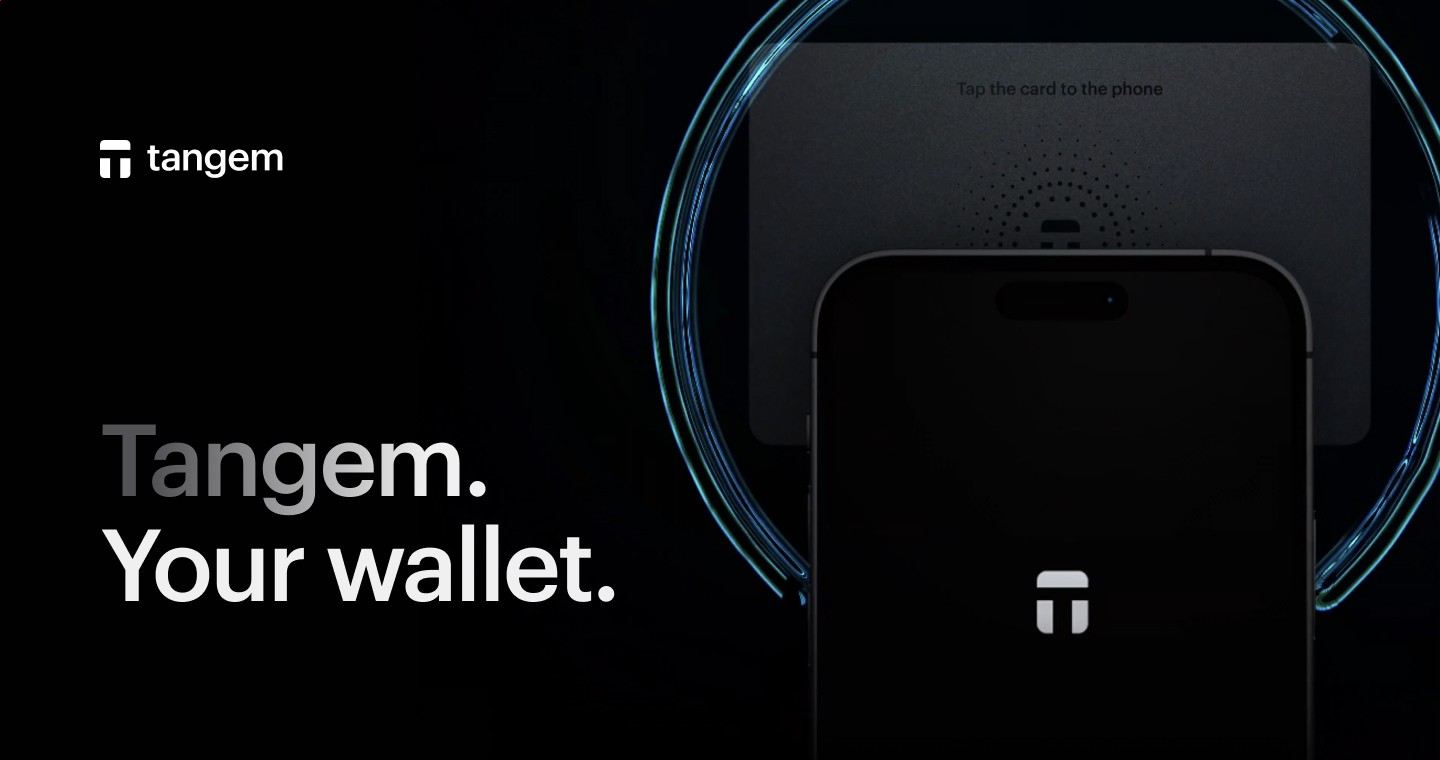
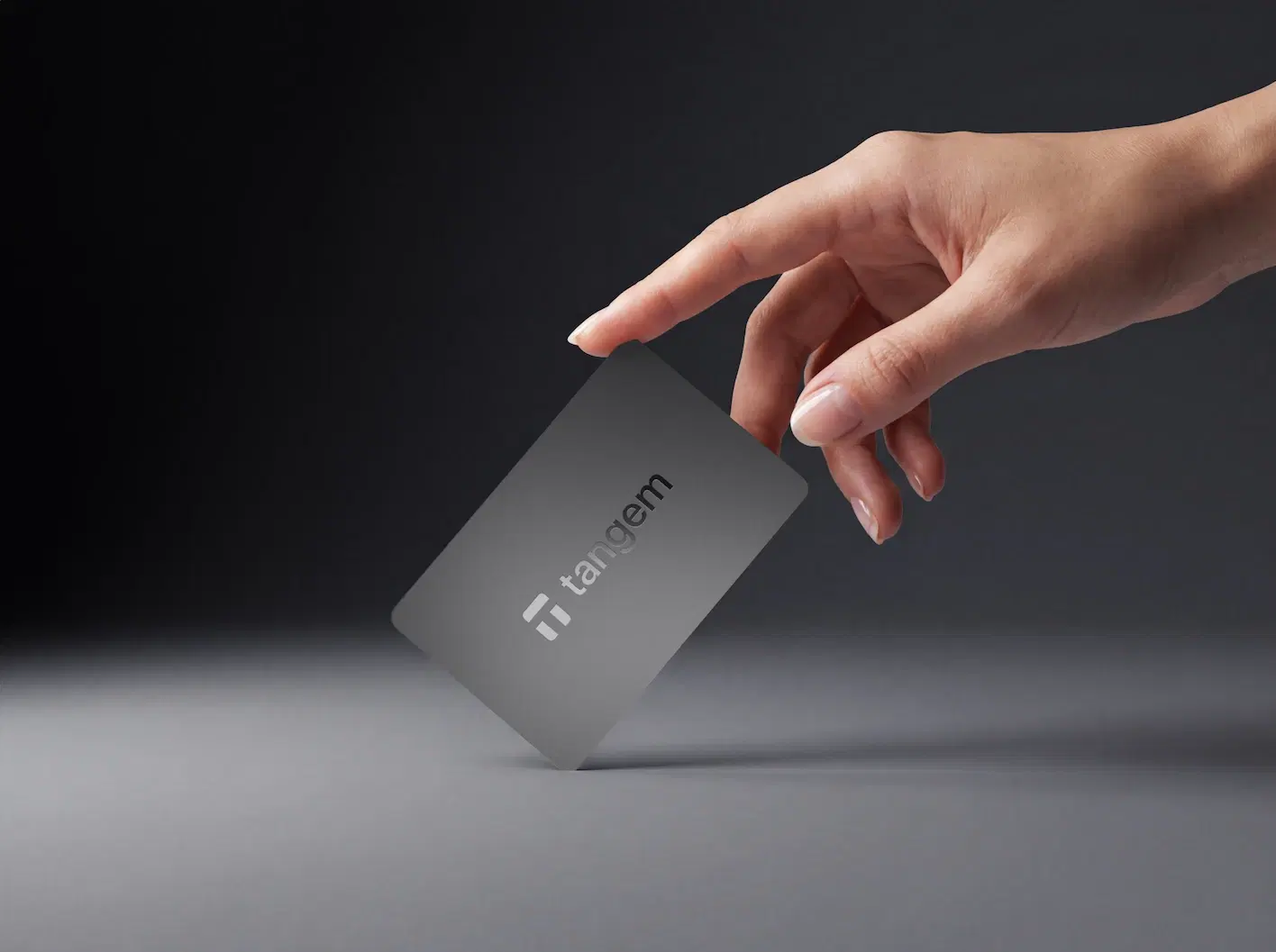
Tangem wallet is a card-based hardware wallet that stores private keys inside an offline chip and signs crypto transactions through a phone's NFC reader. Its defining feature is the seedless setup: multiple physical cards act as backups, while an optional seed phrase remains available for users who prefer standard recovery. The app displays balances, builds transactions, and connects to networks; the card approves spending by tapping the phone.
The design answers a specific problem in self custody. Many people lose recovery phrases, photograph them, type them into fake websites, or store them in cloud notes. This card model moves the backup burden from written words to extra cards kept in separate secure places. It makes the wallet feel closer to a payment card than a tiny USB device, while still keeping the signing key outside the phone.
The card is the signer, the app is the interface
The mobile app is where a user sees balances, creates receiving addresses, chooses assets, swaps supported tokens, and prepares transfers. It does not replace the signing card. Viewing a portfolio or receiving crypto only requires public address information, so the app shows balances without exposing private keys. Sending funds requires a transaction signature, and that signature comes from tapping a card with the correct access code.
This distinction matters because it explains a common first impression. Face ID, fingerprint unlock, or a phone passcode opens the app for convenience, but biometric unlock is not the private key. The NFC card still supplies the cryptographic approval for outgoing transfers and security -sensitive settings. If someone sees the app, they see a dashboard; if they want to move coins, they need the physical card.
How the seedless backup model changes recovery
In the default setup, Tangem wallet creates and stores the private key inside the card environment, then links backup cards during activation. The user does not write down a 12-word or 24-word phrase unless they intentionally choose the seed phrase path. Each backup card becomes another physical way to sign for the same wallet, so losing one card does not automatically mean losing access.
A sensible setup treats the cards like separate keys to the same vault. One card stays in regular use, another sits in secure home storage, and a third belongs somewhere physically separate. The access code protects the cards from simple theft, while separation protects against fire, loss, or damage in one location. The backup model is strongest when the user resists carrying every card together.
Optional seed phrases serve advanced recovery preferences
Tangem wallet also supports a more familiar seed phrase route for people who want compatibility with the wider wallet ecosystem. A seed phrase gives the user a portable recovery secret that works beyond one physical card set when used with compatible software or hardware. That portability adds responsibility: the words become the highest-value secret and must stay offline, private, and accurately recorded.
The choice is not about whether the wallet is cold. Cold storage refers to private keys staying away from internet-connected devices during signing. A seedless setup and a seed phrase setup both remain cold when the card signs transactions offline and the phone only relays signed data. The tradeoff is recovery style: physical backups reduce phrase exposure, while a phrase gives broader restoration flexibility.
What users actually do with it day to day
Once activated, the wallet handles routine self-custody tasks from a smartphone. Users receive Bitcoin, Ethereum, stablecoins, and supported network assets by sharing addresses. They send crypto by entering an address, checking the token and network, confirming the fee, entering the card access code, and tapping the card to sign. The phone broadcasts the signed transaction after approval.
The app also brings together services that many hardware wallet owners otherwise split across several tools. It supports buying, selling, swapping, staking or earning where supported, and spending features through the broader Tangem ecosystem. Availability changes by asset, chain, and jurisdiction, so the core storage and signing workflow remains the anchor even when a particular service is unavailable.
- Receive funds by copying or sharing an address from the app.
- Send funds by signing with a card over NFC.
- Track balances from public blockchain data.
- Manage multiple assets from one mobile interface.
- Use backup cards instead of depending on one device.
Bitcoin, Ethereum, tokens, and network details still matter
A hardware wallet protects keys; it does not remove blockchain mechanics. Bitcoin transactions still use miner fees and confirmation timing. Ethereum and EVM tokens still depend on gas paid in the network's native asset, such as ETH on Ethereum or POL on Polygon. Stablecoins, NFTs, and DeFi assets require the correct chain and contract support inside the app.
That is why a user should treat asset selection as part of custody. Sending USDT on Tron differs from sending USDT on Ethereum. An address that looks valid is not enough; the network and token standard must match what the recipient supports. Tangem wallet gives a mobile interface for these actions, but the irreversible nature of blockchain settlement remains part of the workflow.
Security strengths that come from the card format
The physical design has clear advantages. There is no battery to maintain, no charging cable, and no screen that wears into a daily-carry routine. NFC supplies power during the tap, and the chip performs signing without exporting the private key to the phone. The manufacturer also promotes a long hardware warranty and a large installed base of cards since its 2017 launch.
Convenience is a security feature when it prevents dangerous workarounds. A wallet that is simple to use reduces the temptation to keep funds on an exchange, store seed words in a screenshot, or rush through confusing desktop prompts. The card format is strongest for people who want cold storage without managing a metal seed plate as their primary backup method.
Tradeoffs: no screen, app dependence, and trust boundaries
The main tradeoff is the lack of an on-device display. Screen-based wallets let users verify the destination address on hardware itself before signing. With this card system, the phone screen presents transaction details and the card signs after NFC approval. That places more importance on phone hygiene, app authenticity, and careful review before tapping.
Another boundary is software access. The wallet is built around the official mobile app experience, even though the private key remains on the card. Users who choose a seed phrase preserve more recovery flexibility across compatible wallets; users who choose seedless storage accept the card set as the recovery method. Neither path removes the need to test backups before storing meaningful value.
Getting started with the card set
Activation starts by installing the mobile app, tapping the first card, creating the wallet, and pairing the additional backup cards. The setup process also creates an access code. That code should be memorable without being guessable, because it is part of the protection around the physical card. After setup, the user adds assets in the app and generates receive addresses for the networks they plan to use.
Before transferring a large balance, send a small test amount, confirm that it appears in the app, and then send a small outgoing transaction with a card tap. That brief rehearsal confirms that the phone's NFC reader, the access code, the card, the selected network, and the recipient address process all work together. Tangem wallet is easy to operate, but a real recovery and signing check is better than assumptions.
Ledger, Trezor, and mobile-first self custody
People comparing hardware wallets usually weigh convenience against verification style. Ledger devices pair with Ledger Live and include a small screen for confirming transaction details. Trezor devices focus on open-source design and a screen-based workflow. Tangem wallet takes a different route: a slim NFC card, no cable, no battery, and a phone-first interface.
The best fit depends on the user's habits. Someone who wants a desktop signing station, passphrase-heavy setup, or hardware screen confirmation will gravitate toward a classic device. Someone who wants a durable card set, fast mobile signing, and seedless backups will find this approach more natural. The important decision is choosing the custody model that the user will actually maintain correctly over years, not just the one that sounds strongest in theory.
Tangem wallet - common questions
Can someone send crypto from the app without tapping a card?
No. The app displays balances, prepares transactions, and receives funds through public addresses, but outgoing transfers need a signature from a physical card. Biometric unlock on the phone opens the app for convenience; it does not turn the phone into the signing device. Spending requires the card tap and the correct access code.
Which phones work with the NFC card setup?
The setup requires a smartphone with NFC support and the mobile app. Modern iPhones and many Android phones include NFC, but the reading spot differs by model. A user should confirm that their phone can scan NFC cards reliably before relying on the wallet for daily signing, especially if the phone has a thick case or magnetic accessory attached.
How long does setup take for a new card set?
A straightforward setup takes only a few minutes: install the app, scan the primary card, create the wallet, pair backup cards, and set the access code. Extra time is worth spending on a small receive-and-send test before storing a larger balance. That test confirms the card, phone NFC reader, app, and chosen blockchain network are working together.
Does the card need charging or a USB cable?
No. The card has no battery and no cable connection. The phone powers the card momentarily through NFC during a tap, and the card uses that interaction to approve wallet actions or sign transactions. This design makes it simple to store for long periods because there is no battery health to manage.
Recovering access if the phone is replaced
Replacing the phone does not replace the wallet keys. Install the app on the new phone and scan a paired card to restore wallet access in the app. The card remains the signer, so the phone is mainly the display, transaction builder, and network connection. Keep the backup cards safe before changing phones or wiping an old device.